Radio Jack n Jock
Onboarding
Tap a step to open it right here on your phone. Standing with a friend? Play the video and hold your phone up — she can scan the code straight off your screen and get her own Receiver.
- 1
Get the Receiver
The Receiver is how you tune in. It's free, installs to your home screen in one tap, and there's no app store involved. It takes you straight into the radio.
- 2
Tune into the radio
Every broadcast page is a slot on the dial. There are stories, jingles, bush facts, and the Vision broadcasts where Jack tells you what this is all about.
- 3
Find your way around a broadcast page
Where to tap to fast forward, where the countdown to the next broadcast sits, the banner where Jack explains the activity pack elements, and the WhatsApp button — you can chat to Jack from any broadcast page.
- 4
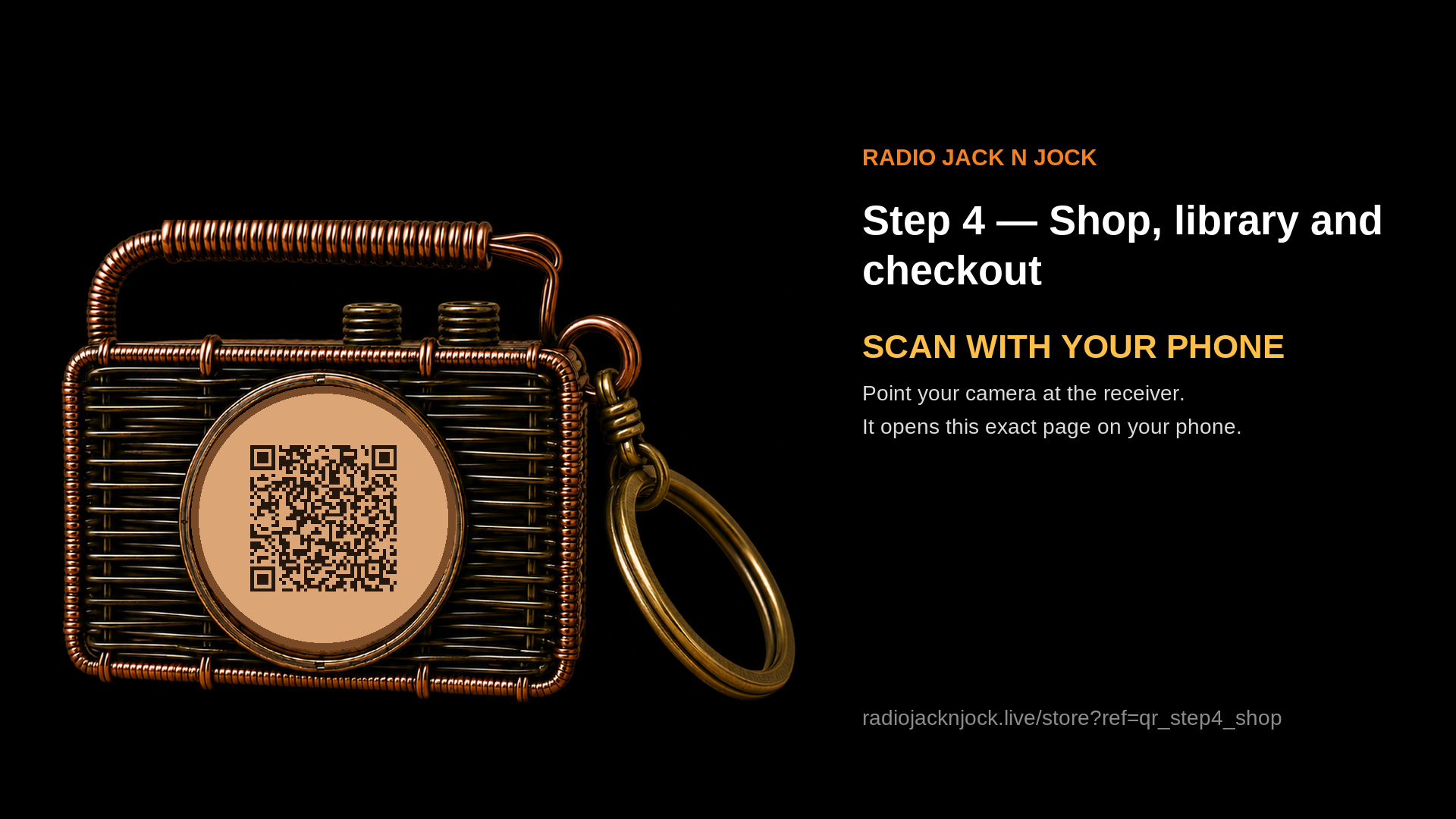
Shop, library and checkout
From the banner at the top of any broadcast page into tracks, albums and collections, then the cart and checkout — and where My Library lives once you've bought.
- 5
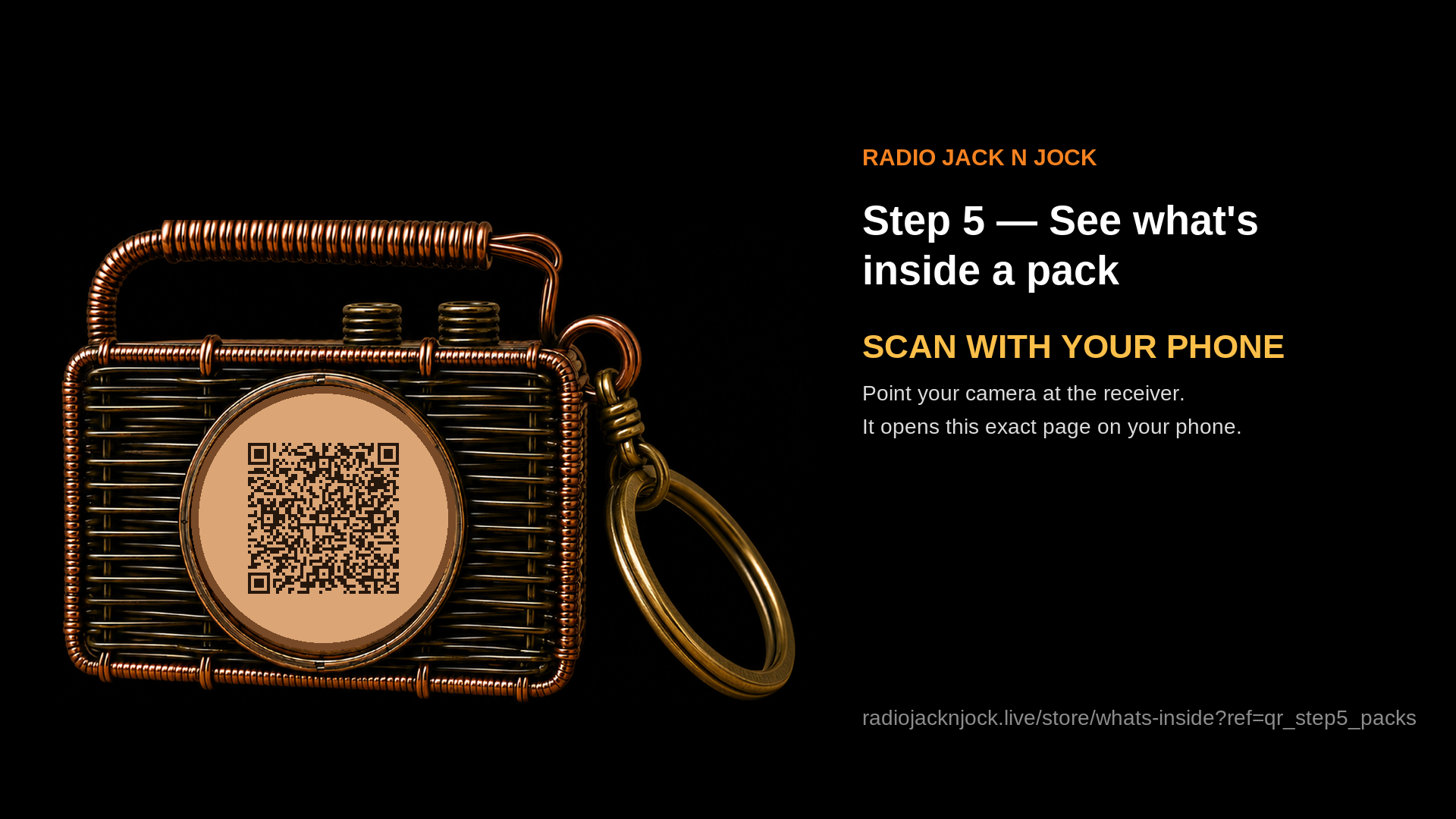
See what's inside a pack
Each hero animal comes with a track, an activity pack, audio explainers, plus lyrics and stories for singing and reading along. Jack explains the pack elements on every broadcast page too.
- 6
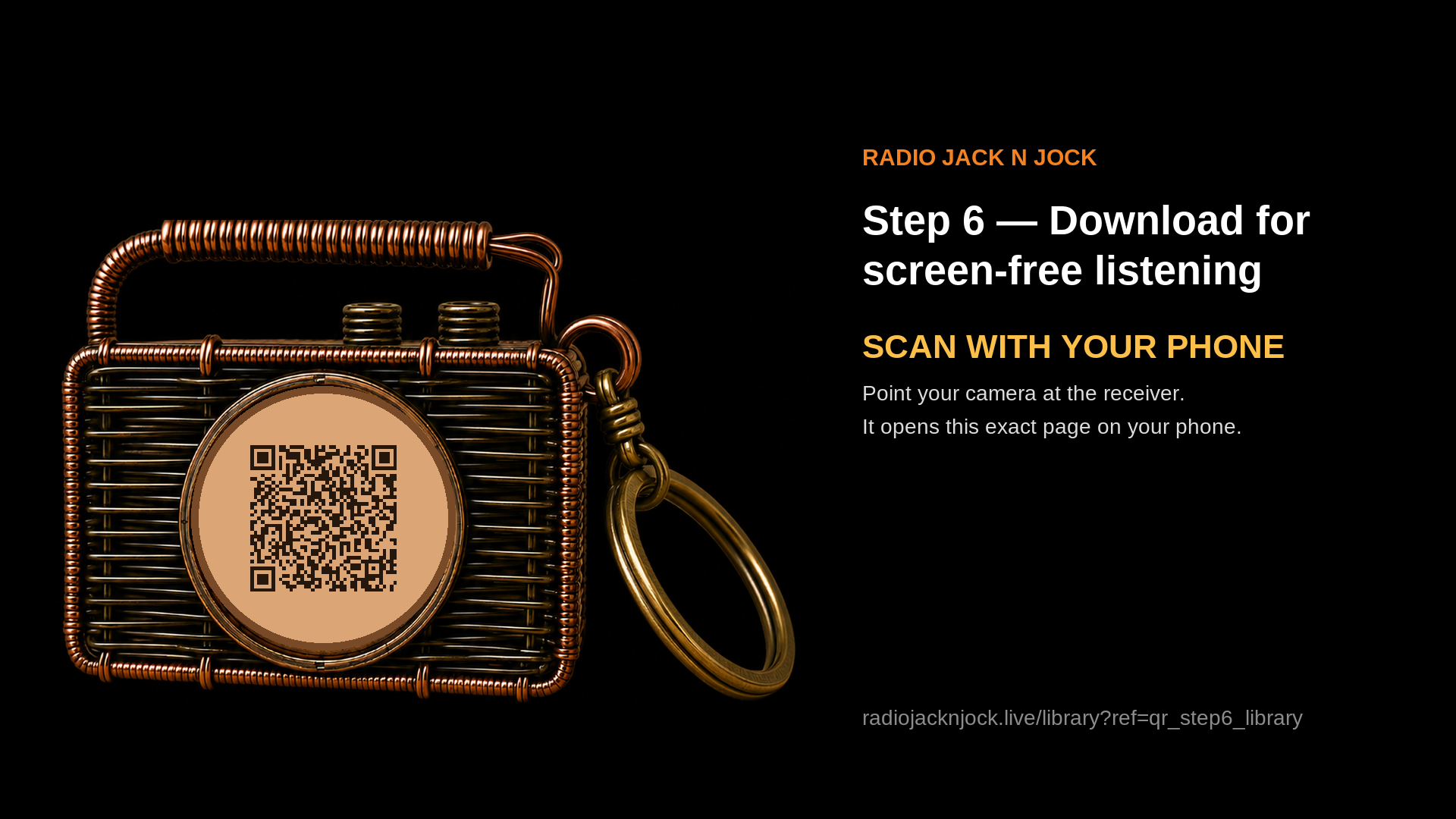
Download for screen-free listening
Your MP3s live in My Library. Download them onto a kids' music player so the kids listen with no screen at all.
- 7
Tell us what you think
The bit we really need: how were the broadcasts and the activity packs? Good or bad, send it. Leave a review and the Bushway Hub and its opportunities open up.
Need help?
Book a quick video call with Jack and share your screen so we can walk through it together.
Book a video call with Jack
Best on a laptop — that leaves your phone free to play the radio so Jack can hear it and guide you live.
Agree a time on WhatsAppEvery call gets its own private room with a waiting room — nobody joins unless Jack lets them in.